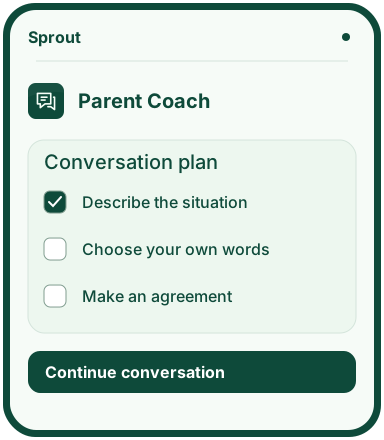
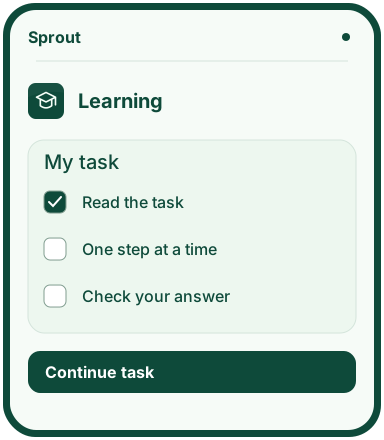
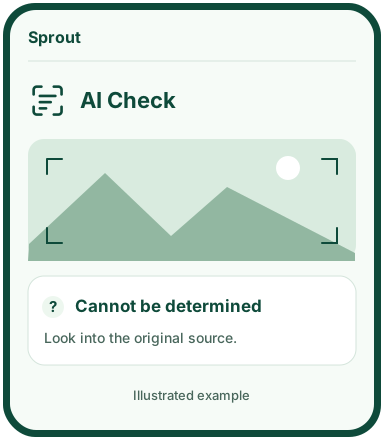
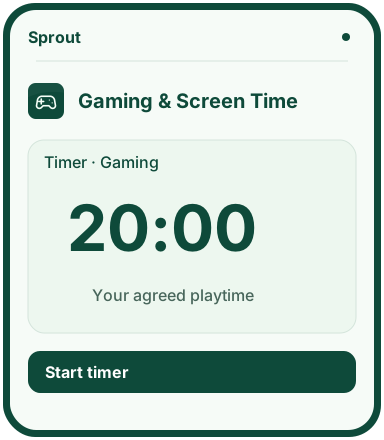
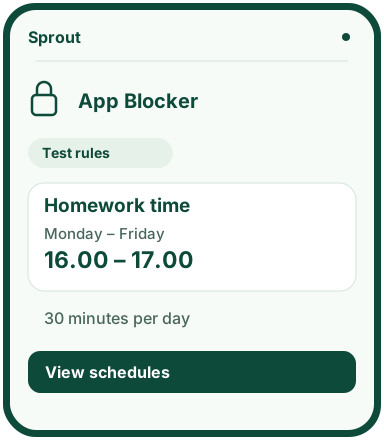
Keep shortcuts to your chosen apps together. Choices are saved in your browser on the device.
Test access – requires Vercel access
My apps for testing
Open the apps in your browser or choose Install for installation help. Testing requires Vercel access. Sprout accounts and synchronisation are not available.
My apps brings your shortcuts together. Each app is still installed separately.
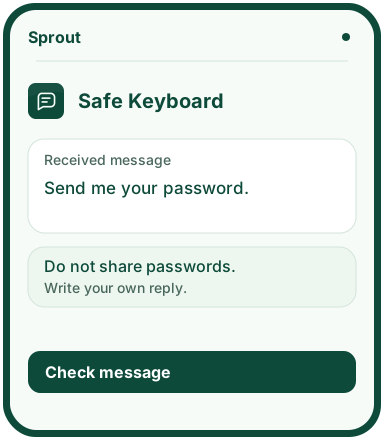
Check a message for signs of pressure and harassment before writing your reply.
Features
Review a received or own message for threats, harassment, sexual pressure and requests for private information.
Edit a suggested reply in your own words. Detected threats, harassment and sexual pressure block copying; edit and check the reply again.
In Sprout-chat, a finite word list automatically checks text before messages are stored and delivered, and before display. Detected content is withheld; checks can fail and are not a guarantee.
The chat does not read SMS, WhatsApp or Snapchat. It has no images, uploads or external AI and does not open links. Testing requires Vercel access.
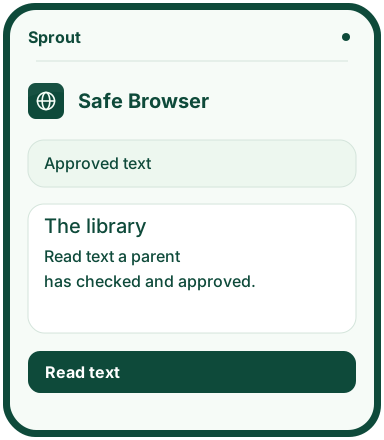
Read web text and links that a parent has reviewed and approved.
Features
A parent creates a code and chooses websites within the app.
Text and links need to be reviewed and approved before the child can open them in the reader.
The child can ask a parent for access.
Save bookmarks in the saved-pages view. In the protected online test, a parent can delete the workspace’s app data with the current code and confirmation. Bookmarks and downloaded copies must be deleted separately.