Gaming & Screen Time
How long will we play, and what can we spend? Save your agreements, use the timer and track the purchases you enter.

The timer and agreements do not close games or block purchases in other apps.
What you can do
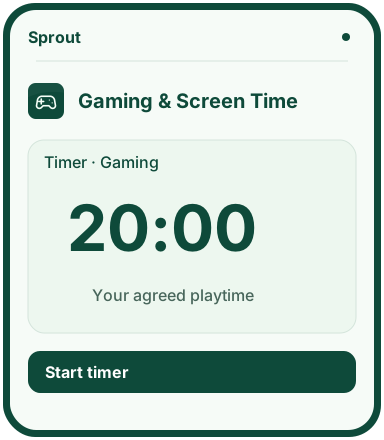
- Choose a game or activity, enter a duration and start the timer.
- Pause, resume or finish the timer.
- Save daily time allowances and agreed hours for games and apps.
- Set a monthly budget, add purchases and see what is left.
Why this app?
Time to play, time for a break
One more round can easily turn into several. With Gaming & Screen Time, you can agree on playtime before it starts, set a timer and keep track of in-game purchases.
Write down when your child plays and for how long. Set a monthly budget and record purchases so you can see what has been spent and what is left.
The web timer, agreements and budget help you follow the plan. The web app does not close games, block purchases or change phone settings. A separate Android prototype for app restrictions needs adult setup and phone permissions; physical enforcement has not been tested yet.
Get started
- Open the timer, enter a game or activity, choose a duration and start it.
- Pause, resume or finish the timer as needed.
- Open the agreements view and save an activity, daily minutes and agreed hours.
- Choose a month in the budget view, save the budget and add purchases to record spending.
Preview the app
More about the features
Playtime and breaks
Children start the timer themselves. They can pause it and continue when they are ready.
Agreements and purchases
Keep your screen-time agreement and enter in-game purchases. The budget shows what is left for the month.
What you track yourselves
The web timer does not measure use of other apps on the phone. The web app does not close games or stop payments.
Android app restrictions · Prototype
In the Android prototype, an adult can select installed apps, a daily allowance, weekdays and a time window. Restrictions require separate Usage Access and Accessibility permissions. Saved rules do not prove that permissions are active. Physical enforcement has not been tested yet.
Content and iPhone
Restrictions cover selected apps, not classification of individual YouTube videos or all web content. The iPhone prototype requires Apple’s Screen Time approvals; there is no completed app build yet. No public native download.