Safe Camera
The camera blocks capture when on-device AI detects intimate areas or sexual content. Private details can be covered before sharing.

On-device photo analysis can miss content. Always review the photo before sharing.
What you can do
- The camera blocks capture when on-device AI detects intimate areas or sexual content.
- The received-images view rejects images with detected intimate or sexual content.
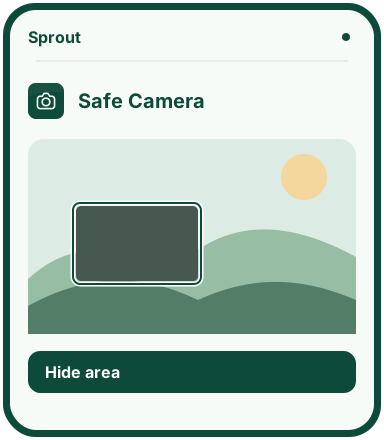
- Cover private details yourself. Rotate the photo, adjust covered areas or undo a change.
- Check the photo and save an edited copy. The original stays unchanged.
Why this app?
Help prevent the sharing of intimate images
Safe Camera is designed to help prevent the sharing of intimate images and protect children’s privacy. On-device AI analyses the camera view and blocks capture when it detects intimate areas or sexual content.
In the received-images view, images with detected intimate or sexual content are rejected. Children can also choose a photo for editing, cover names, faces and other private details, then save an edited copy. The original stays unchanged.
Protection applies within Safe Camera and does not control other camera or messaging apps. Photos and analysis stay on the device. AI can miss content or mark it incorrectly, so it cannot guarantee that all intimate images will be blocked. The app cannot take back an image that has already been shared.
Get started
- Choose a photo from the device or open the camera to take one.
- Review the result and drag over any details you want to cover.
- Check the whole photo and complete the checklist before saving.
- Save the photo to download the edited copy.
Preview the app
More about the features
Protection during capture
The app’s own camera analyses the view with on-device AI. Capture is blocked if the analysis detects intimate areas or sexual content. The camera can only be used once the user grants access.
Image checks and editing
The received-images view rejects images with detected intimate or sexual content. When editing, children can cover private details themselves and save a copy without changing the original.
On-device analysis
The photo and AI analysis stay on the device. The first analysis needs internet access to load its files. AI can miss content, and protection applies only within Safe Camera. Children should also review the photo before sharing.